Live · Aug 2026· Product · Design · Build
Drawesome
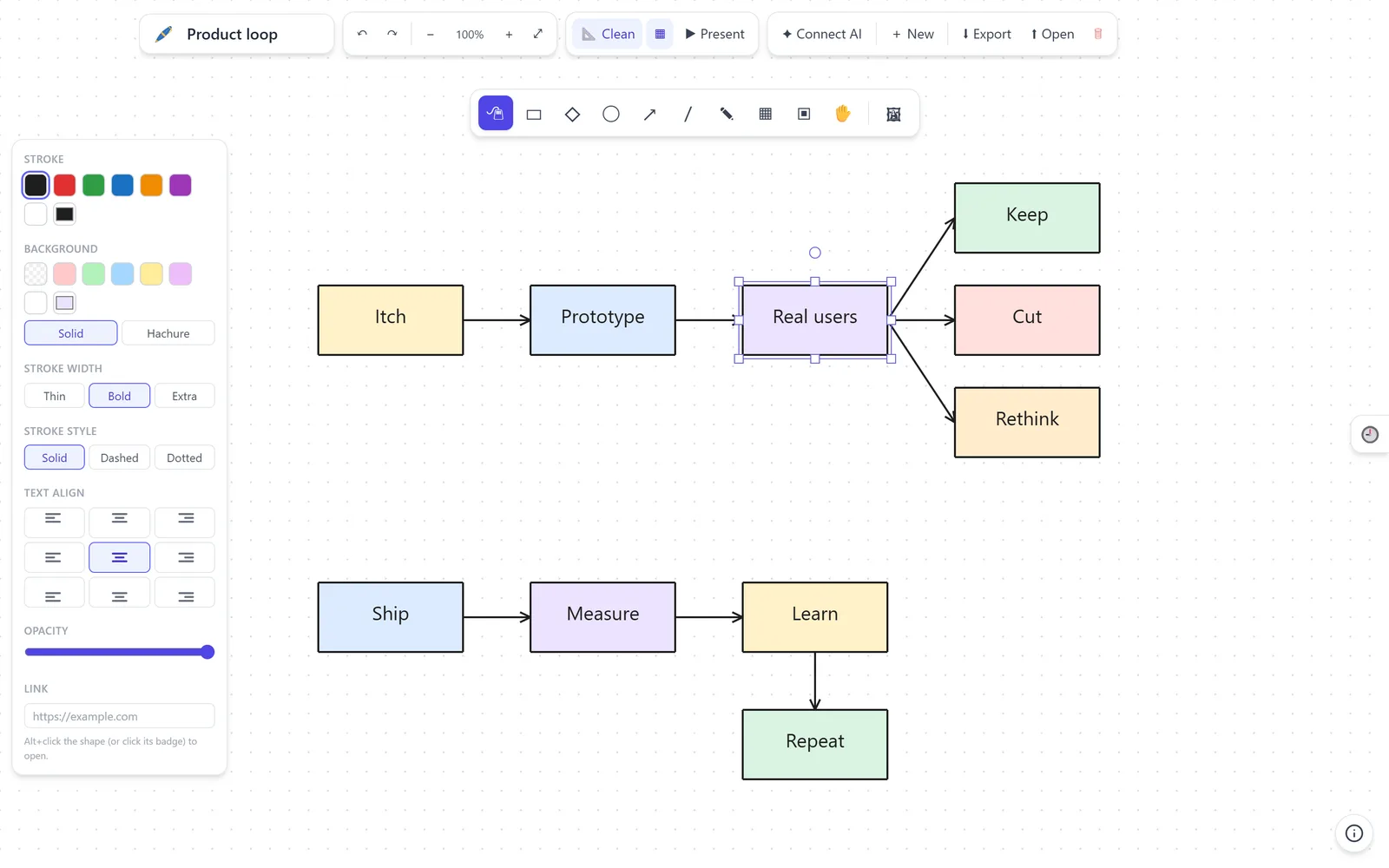
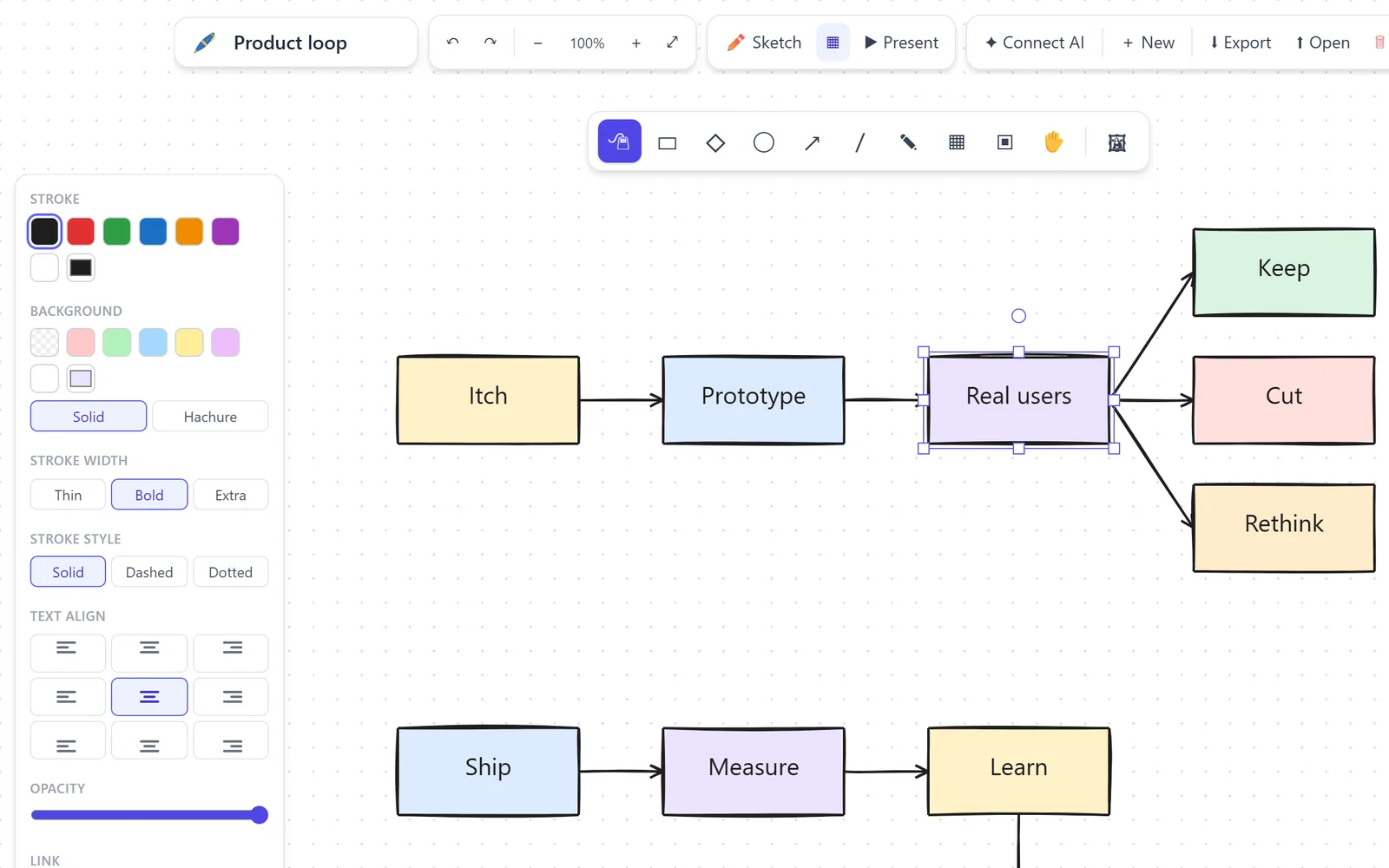
A browser whiteboard that turns rough ideas into tidy diagrams, with smart connectors, magnetic alignment, and optional text-to-diagram.
The story
I'm forever sketching how things flow: requests, user journeys, who calls what. And every diagramming tool I tried made me pick between two bad options. Draw quickly and live with a crooked sketch, or spend more time nudging boxes than thinking about the idea. The friction is small but it adds up, so the diagram that would have cleared things up often never gets drawn.
I built Drawesome to make a clear diagram as quick and forgiving as thinking out loud. The tool handles alignment, connections and formatting, so I can stay on the idea.
What I built
- Smart connectors that attach to shapes and follow them as you move things around.
- Magnetic guides that line up edges and centers without pixel-by-pixel nudging.
- Auto-fitting labels that wrap at a readable size and grow the shape to fit.
- Text-to-diagram: describe a flow like
Order -> Ship, Invoice, Notifyand get a laid-out diagram, once you connect an AI model. - Quick-node spawning, named frames, presentation mode, images, links, and JSON import/export, to take a diagram from first thought to something you can reuse.
The diagram you actually draw beats the perfect one you don't.
Decisions & trade-offs
- Tidy by default. Snapping is always on and tools stay selected, which removes the choices that slow down the common case.
- AI stays optional. The whiteboard is complete without a model. AI controls only appear once you connect one.
- Grow the shape, not shrink the thought. Labels wrap at the chosen font size and resize their container instead of shrinking into unreadable text.
- Magnetic, not restrictive. Guides and connector targets help when you're close, and get out of the way when you place something on purpose.
Outcome
A self-hostable, install-free tool that turns an idea into a presentable diagram in seconds. It reinforced a product lesson I keep relearning: removing formatting work creates more value than adding formatting options.
More screens