Windows + iOS · Oct 2026· Product · Build · Ship
Artha
A local-first app for Windows and iOS that tracks net worth, insurance, IDs and passwords behind one master password, with everything encrypted on your own devices.
The story
My financial life was scattered across a dozen apps and folders. Bank balances in one place, investments in another, insurance PDFs buried in email, ID scans sitting in random chat threads, passwords in three different managers. Nothing answered the simple question: "what am I actually worth, and where are the documents that prove it?"
The part that bothered me most was the documents. My own passport scan and PAN card were sitting in plaintext wherever I'd last emailed them to myself. So I built Artha (Sanskrit for wealth, and for meaning): one app, on my laptop and my phone, that holds all of it, encrypted, with nowhere else for it to leak to.
What I built
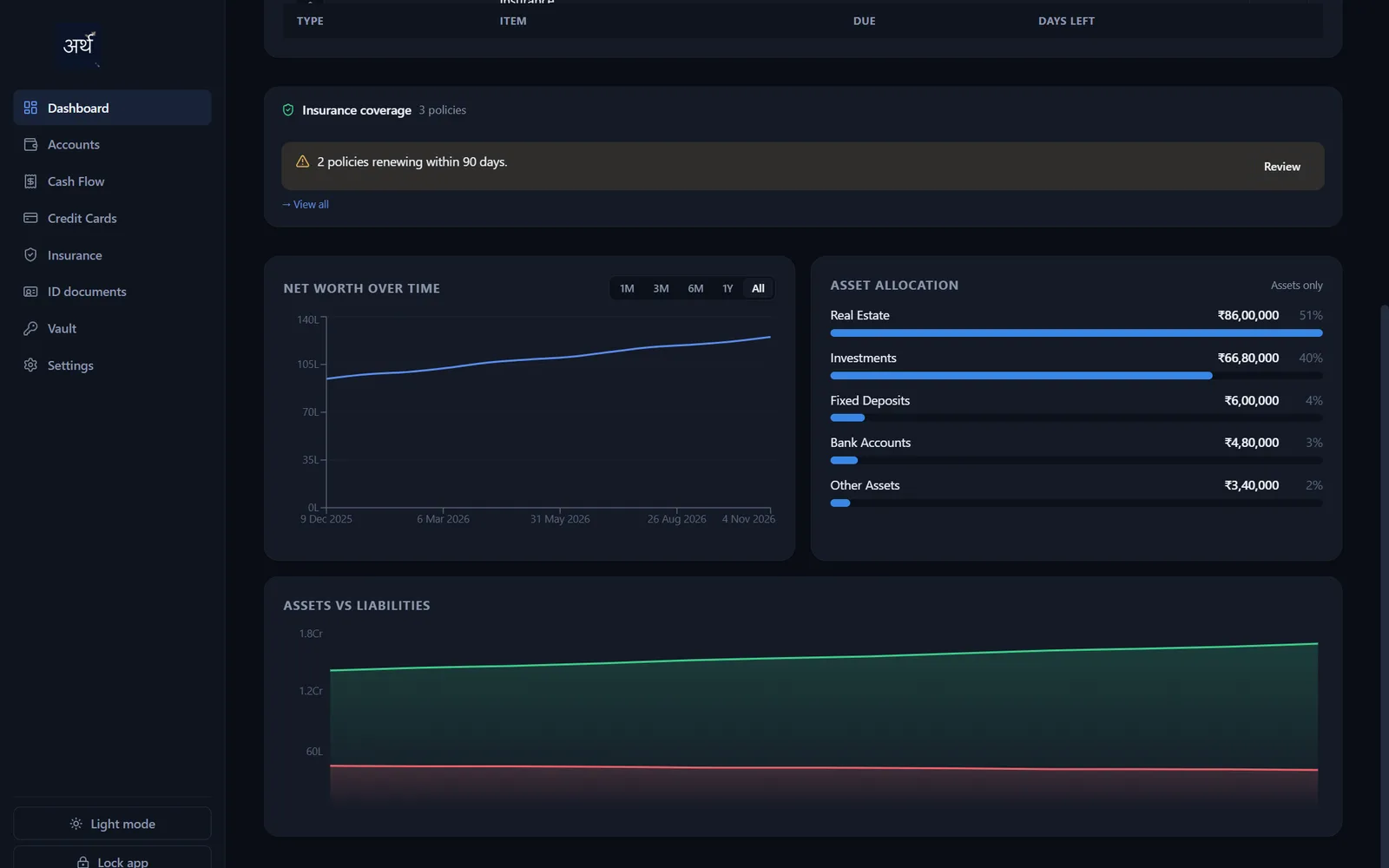
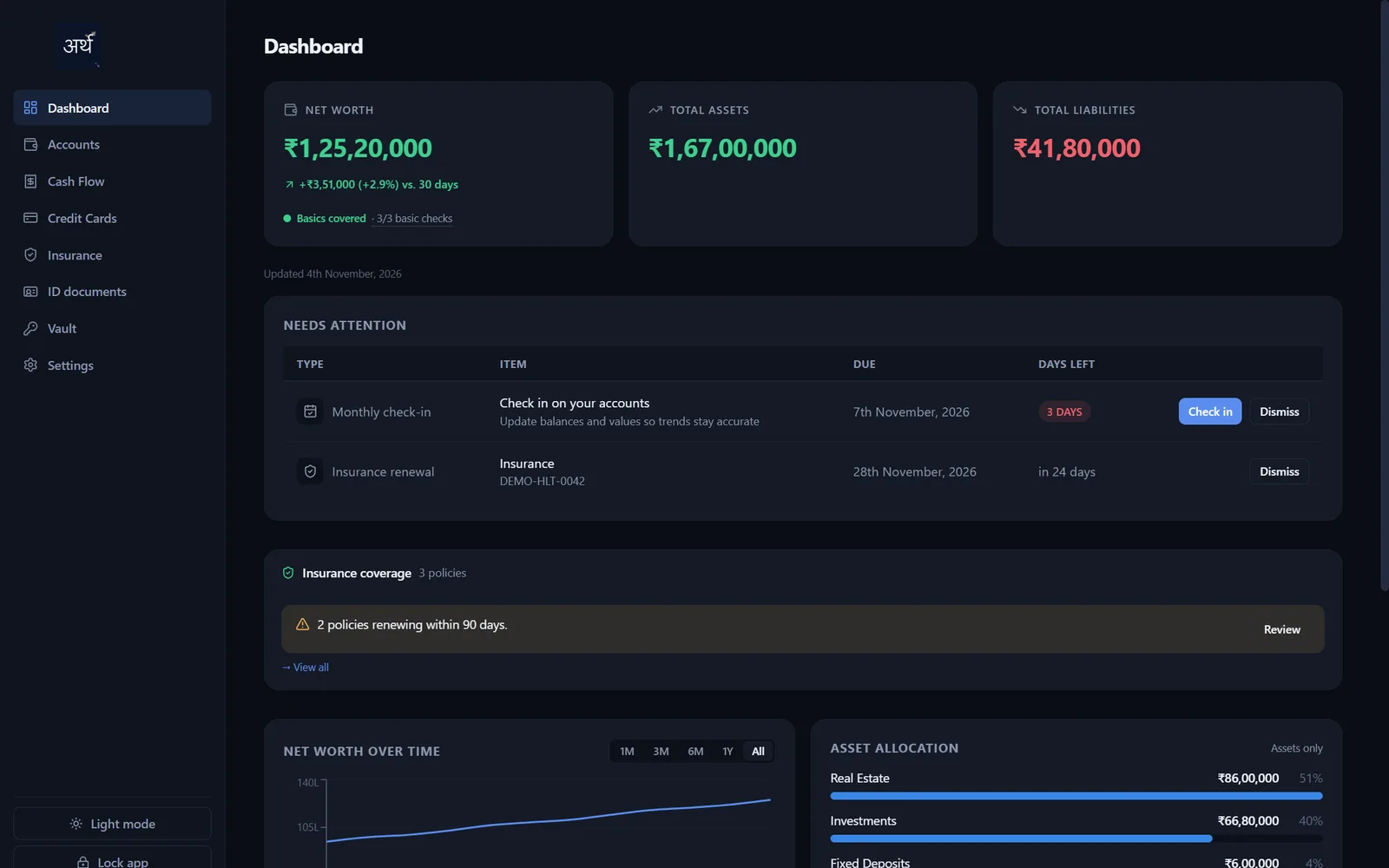
- A net worth dashboard showing assets vs. liabilities, allocation by category, and a trend line recorded automatically every time something changes.
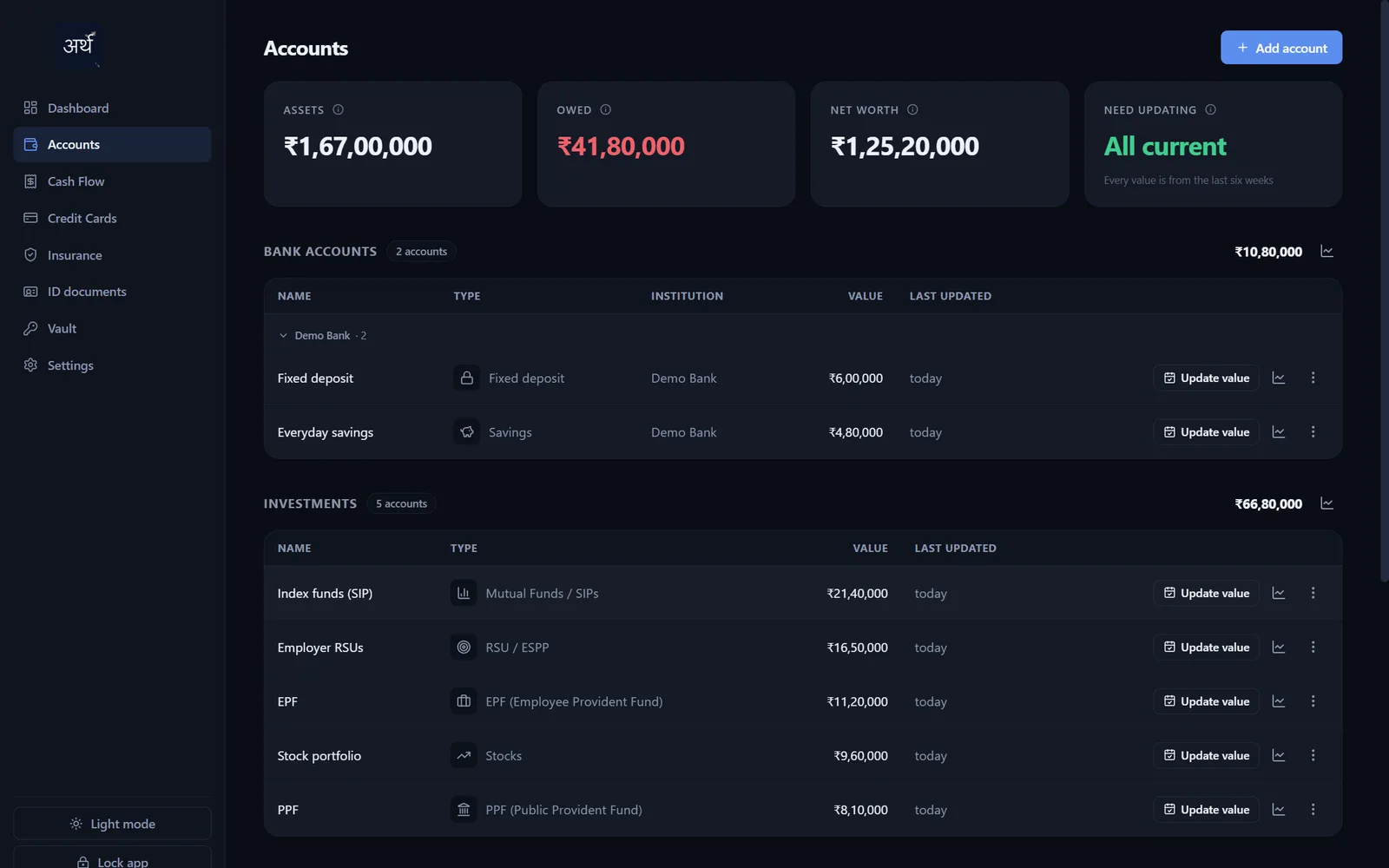
- Every asset class in one place: bank accounts, stocks, mutual funds and SIPs, PPF/EPF/NPS, real estate, loans, RSUs, physical gold, and crypto.
- AI-assisted document extraction. Upload an insurance policy, an ID document, or a loan's repayment schedule, and a model you connect reads the fields in, so you review and save instead of retyping.
- A vault for credit cards and logins, masked by default.
- Expiry reminders for insurance and ID documents, as notifications or email.
- An iOS app with the same dashboard, document extraction and reminders, plus biometric unlock and search.
- A security model built to match the data. Everything is AES-256-GCM encrypted behind a master password that never leaves your devices, and every uploaded document is separately encrypted at rest.
Decisions & trade-offs
- No bank or brokerage linking. No aggregator, nothing with standing access to real banking credentials. Values are entered by hand. Slower, but it keeps a third party out of the threat model entirely.
- Local-first, no account required. The Windows app works fully offline on its own.
- Sync, but zero-knowledge. Getting the same data onto my phone needed a server, so I built it as a relay that only ever sees ciphertext. Records are encrypted on the device before they leave it, and the key is derived from a password the server never sees.
- AI extraction is opt-in and bring-your-own-key. The app is fully usable with zero calls to any model. Turning extraction on means you choose the provider and you hold the key.
- Storing CVVs and passwords was a deliberate yes, not an oversight. Same master-password-encrypted vault, same threat model as any local password manager, and worth saying out loud rather than hiding.
If I wouldn't trust a stranger's server with my passport scan, I shouldn't ask anyone else to.
Outcome
Five days from an empty repo to a release-ready Windows installer with auto-updates, a dashboard across every asset class, an AI extraction pipeline for three document types, and a database that's encrypted at every layer. The iOS app followed, with an optional sync that never lets the server read a thing. It confirmed that AI-assisted development can compress "I should really organize this someday" into a long weekend.
More screens